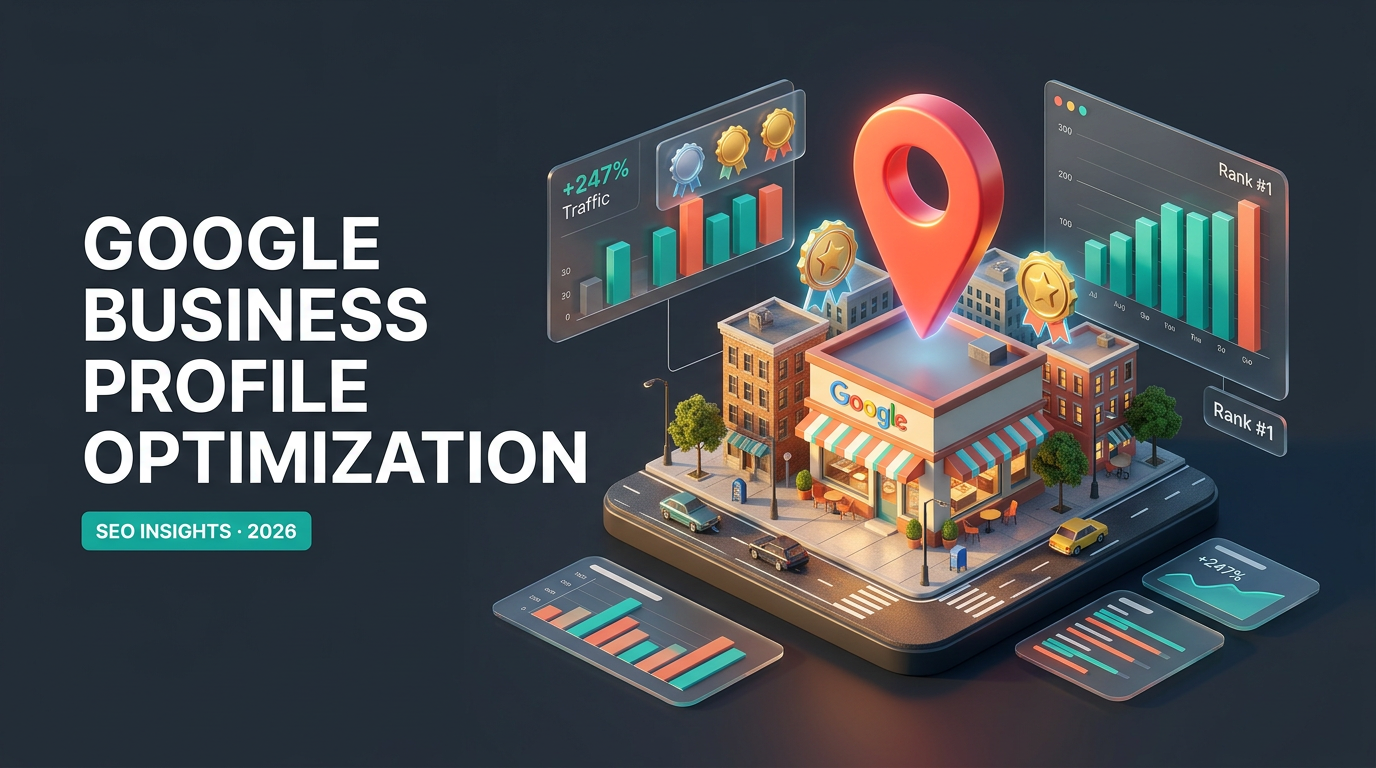
Securing a spot in Google's Local 3-Pack is the single most valuable digital milestone for any local brick-and-mortar or service-area business. Today, master-level Google Business Profile optimization determines whether your phone rings continuously or your nearest competitors siphon away high-intent local buyers before they ever visit your website.
As search interfaces evolve with generative summaries and multi-modal results, zero-click local searches dominate map queries. Winning one of the three featured map positions requires more than just checking off basic profile fields; it demands a granular, entity-focused approach that aligns with Google's evolving local algorithm.
The Anatomy of Local 3-Pack Rankings
Google’s local ranking algorithm relies on three foundational pillars: relevance, distance, and prominence. Understanding how these factors interact helps you prioritize actions that yield tangible ranking improvements rather than wasting hours on vanity adjustments.
Relevance reflects how well your business profile matches what searchers want. Google examines your primary and secondary categories, service descriptions, menu items, and even the text within customer reviews. Distance calculates the geographic proximity of your physical location or verified service area to the user’s device coordinates. While you cannot manipulate real physical distance, you can maximize your visibility radius across surrounding neighborhoods through contextual signals.
Prominence evaluates how established, trustworthy, and authoritative your business appears across the wider web. Google measures prominence through inbound links, directory citations, local news mentions, and the frequency, volume, and sentiment of customer reviews. When your brand signals are clear across the web, your profile gains the authority necessary to outrank competitors located physically closer to the searcher.
- Relevance: Category selection, service listings, attributes, and user-generated review content.
- Distance: Physical address proximity to the searcher, centroid balance, and service area radiuses.
- Prominence: Brand search volume, review velocity, local citations, backlink profile, and sentiment score.
Step 1: Precision Category Selection and Profile Architecture
Your primary category is the single heaviest ranking factor within your direct control. Google uses this selection to instantly classify your entity inside its Knowledge Graph. If your primary category is inaccurate or overly broad, ranking in the 3-Pack for core transactional keywords becomes virtually impossible.
Choose the most specific primary category that represents your core revenue generator. For example, selecting Plumber yields drastically better rank positioning for plumbing searches than selecting a generic label like Contractor. Use your secondary categories to capture related service lines without diluting your primary focus.
- Identify the dominant category: Run searches for your top three target keywords and audit the primary categories used by the current 3-Pack leaders.
- Select up to 9 secondary categories: Add categories that precisely reflect ancillary services you actively deliver, avoiding irrelevant categories that muddy your contextual footprint.
- Maintain exact NAP integrity: Ensure your Business Name, Address, and Phone number match your legal identity and canonical website schema markup identically.
Pro Tip: Avoid artificial keyword stuffing in your business name unless those keywords are part of your legal, registered DBA. Google regularly issues hard suspensions for spam titles, and algorithm updates quickly discount unnatural title keywords.
Step 2: Activating High-Impact Visuals and Machine-Readable Media
Modern local search relies heavily on computer vision technology. Google utilizes neural networks to parse, categorize, and extract meaning from the photos and videos uploaded to your profile, matching imagery directly to search intents.
Profiles displaying continuous, high-quality photo uploads achieve significantly higher engagement, higher click-through rates, and broader ranking radiuses. Generic stock photos are frequently detected and demoted; authentic, geocoded, real-world imagery tells Google that your location is active and legitimate.
- Interior and Exterior Landmarks: Upload clear photos showing your signage, entrance, parking accessibility, and interior workstations to confirm physical reality.
- Team and Equipment Assets: Feature your uniformed staff, wrapped vehicles, and specialized tools to build user confidence and topical relevance.
- Short-Form Video Updates: Add 15-to-30-second vertical videos walking through customer projects, storefront tours, or answering common customer questions.
- Customer Upload Incentives: Encourage clients to snap and attach photos when they submit their reviews, as user-generated photos carry exceptional prominence weight.
Step 3: Engineering a Review Generation and Sentiment Engine
Review quantity alone no longer guarantees local dominance. Search algorithms now evaluate review velocity, reviewer account trust scores, and semantic sentiment. A steady stream of authentic reviews containing specific service mentions dramatically strengthens your relevance signals.
To build a resilient review engine, automate your outreach at the point of customer delight. Provide your staff with direct short-links and QR codes to lower the friction of leaving feedback. Train team members to encourage customers to mention the specific service performed and their neighborhood in their comments naturally.
Every review requires an intentional, keyword-aware response. When responding, thank the customer by name, mention the service rendered, and reiterate your commitment to quality. If an unavoidable negative review occurs, respond professionally within 24 hours to mitigate damage and demonstrate accountability to prospective customers reading your profile.
- Generate direct review links: Create a short URL directly from your profile dashboard and convert it into a scannable QR code for physical collateral.
- Integrate automated triggers: Connect your CRM or invoicing software to send SMS review requests within two hours of job completion.
- Respond contextually: Mention specific projects and locations in your public responses without sounding robotic or spammy.
Step 4: Enhancing Products, Services, and Dynamic Attributes
Many small business owners leave their Services and Products tabs blank, missing out on prime real estate that can convert searchers directly inside the Map pack interface. Populating these modules creates structured internal links and signals clear pricing and service scopes to Google’s indexing systems.
Map out individual service cards for every solution you provide. Include transparent starting pricing, comprehensive descriptions rich in latent semantic indexing (LSI) terms, and clear calls-to-action. If you sell packaged offerings, utilize the Products editor to display visuals, descriptions, and direct checkout or booking buttons.
Attributes provide another direct filter mechanism for mobile users looking for specific accommodations. Ensure you accurately mark operational attributes such as Identifies as veteran-owned, Wheelchair accessible entrance, Free Wi-Fi, and payment capabilities to qualify for filtered queries.
Step 5: Driving Conversions with Updates, Offers, and Direct Messaging
Google Business Profile is no longer a static digital business card; it functions as an interactive engagement channel. Active profiles that generate regular user interactions send strong behavioral signals back to Google, demonstrating that the business is open, responsive, and relevant.
Publish GBP Updates at least once every seven days. Use updates to announce seasonal promotions, highlight recent case studies, or showcase customer testimonials. Always attach a clear call-to-action button, such as Call now, Book, or Learn more, directing traffic to targeted service landing pages on your primary website.
- Weekly Updates: Treat Google Updates like micro-blog posts that reinforce your topical expertise and alert customers to current deals.
- Community Q&A Pre-seeding: Proactively ask and answer the most critical questions your customers typically have about your pricing, turnaround times, and guarantees.
- Turn On Messaging: Enable chat and configure instant automated responses. Responding to customer inquiries in under five minutes substantially increases conversion rates.
Step 6: Measuring Local Performance with Geogrid Trackers
Traditional rank tracking software that checks rankings from a single, static zip code provides an incomplete and misleading view of your true local visibility. Because the Local 3-Pack shifts block-by-block based on user coordinates, you must track your rankings across a dynamic geographic grid.
Geogrid tracking tools simulate searches across a precise multi-mile radius, mapping your positions from 1 to 20+ across a visual map overlay. This data reveals geographic ranking drop-offs, identifying specific neighborhoods where your prominence declines and highlighting areas where competitors gain an advantage.
Cross-reference your geogrid rankings against your native Google Business Profile performance reports. Track fluctuations in discovery searches, map views, phone calls, and direction requests to ensure your ranking gains translate directly into customer inquiries and revenue growth.
Key Takeaways
- Select the right primary category: Your primary category carries more ranking weight than any other profile field; choose the most specific option available.
- Prioritize authentic visual media: Consistently publish real-world, high-resolution photography and vertical videos rather than relying on generic stock photos.
- Systematize review collection: Build automated workflows to secure consistent, descriptive customer reviews mentioning specific services and locations.
- Flesh out all structured modules: Fully populate your Services, Products, and Attribute fields to feed contextual data directly to Google’s indexing engine.
- Monitor visibility using geogrids: Track your 3-Pack rank across multi-mile visual grids to pinpoint exact areas of geographic strength and weakness.